Personal time tracking · in a single file
Your hours in a file you own — not a service you rent
Cirrhy manages clients, projects, tasks, time entries and reports, with no account and no server of its own. You put the data file in a sync folder you already use; Cirrhy merges each device's changes at the record level.
- Free
- Open source · Apache-2.0
- No account
- No server
- One JSON file
- 5 platforms
A look around
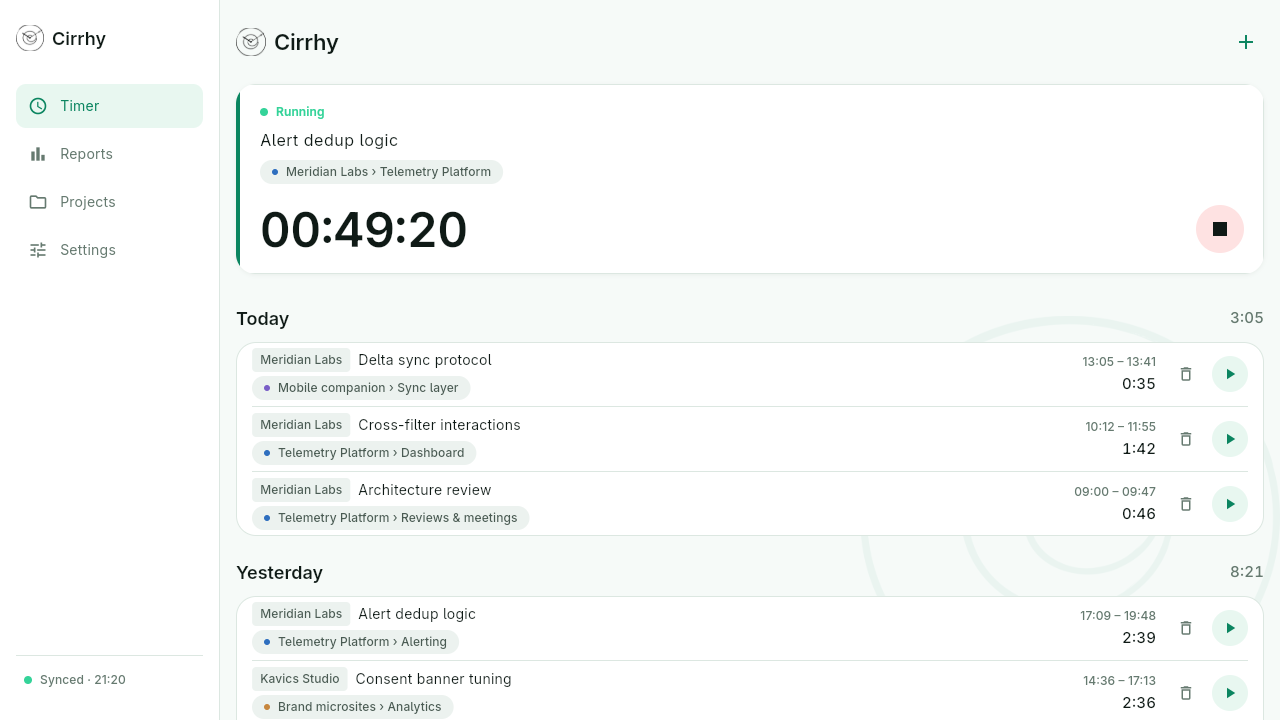
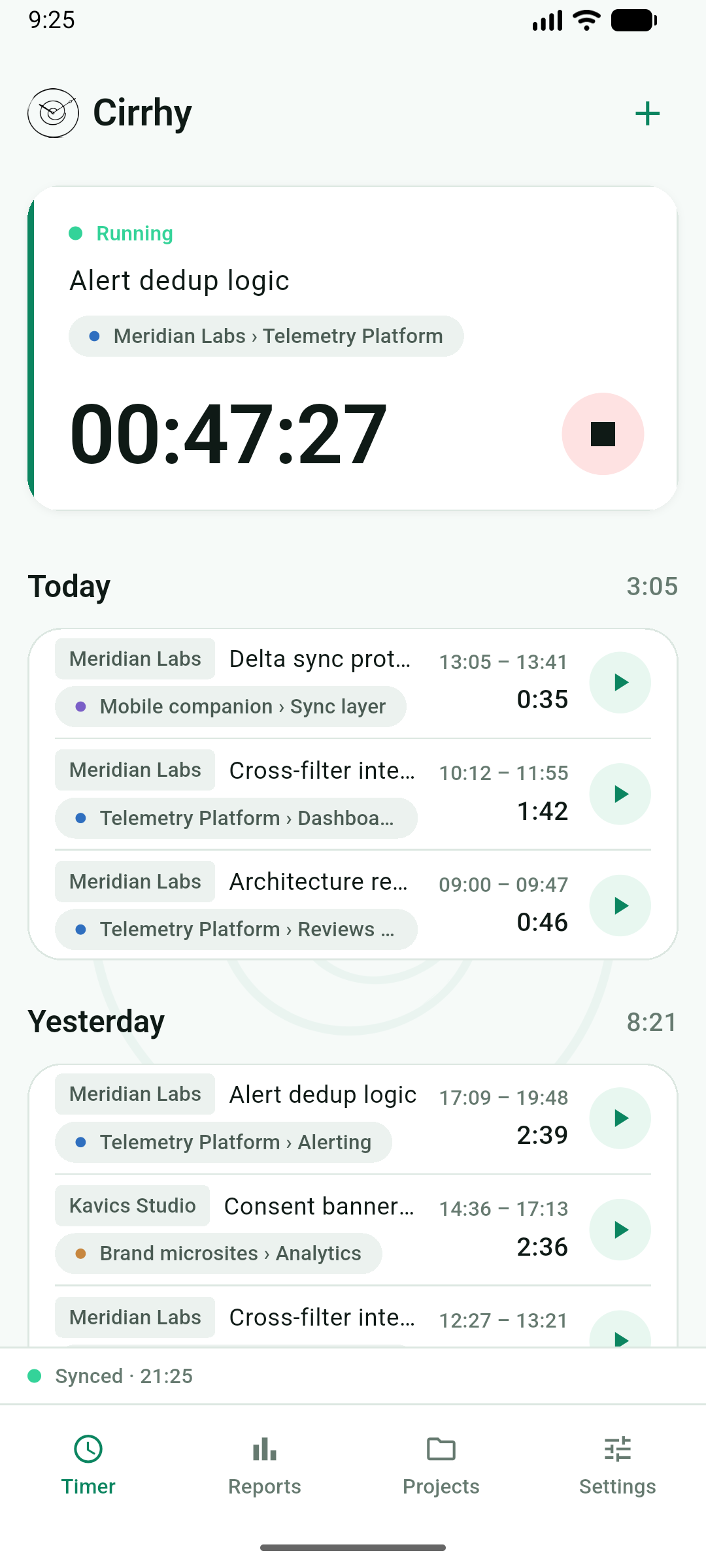
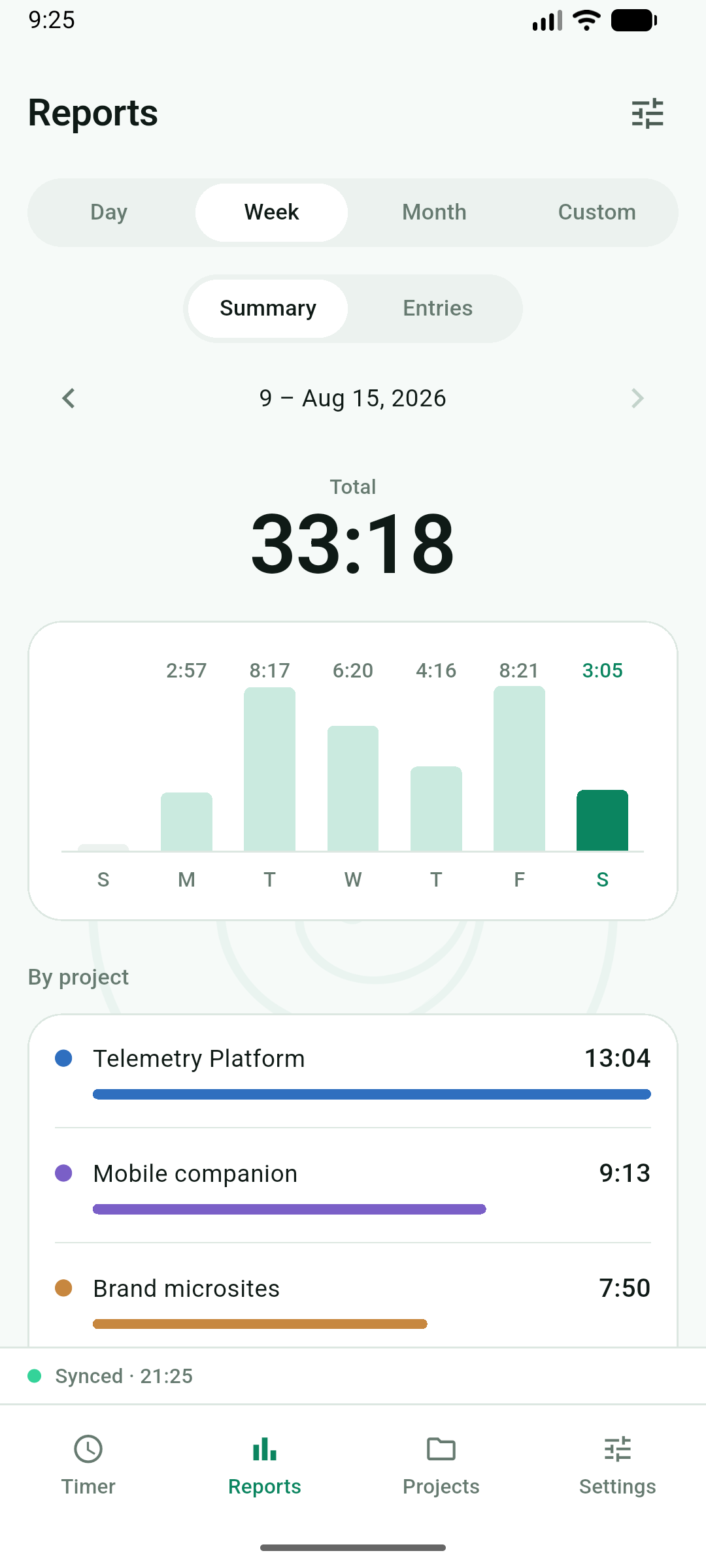
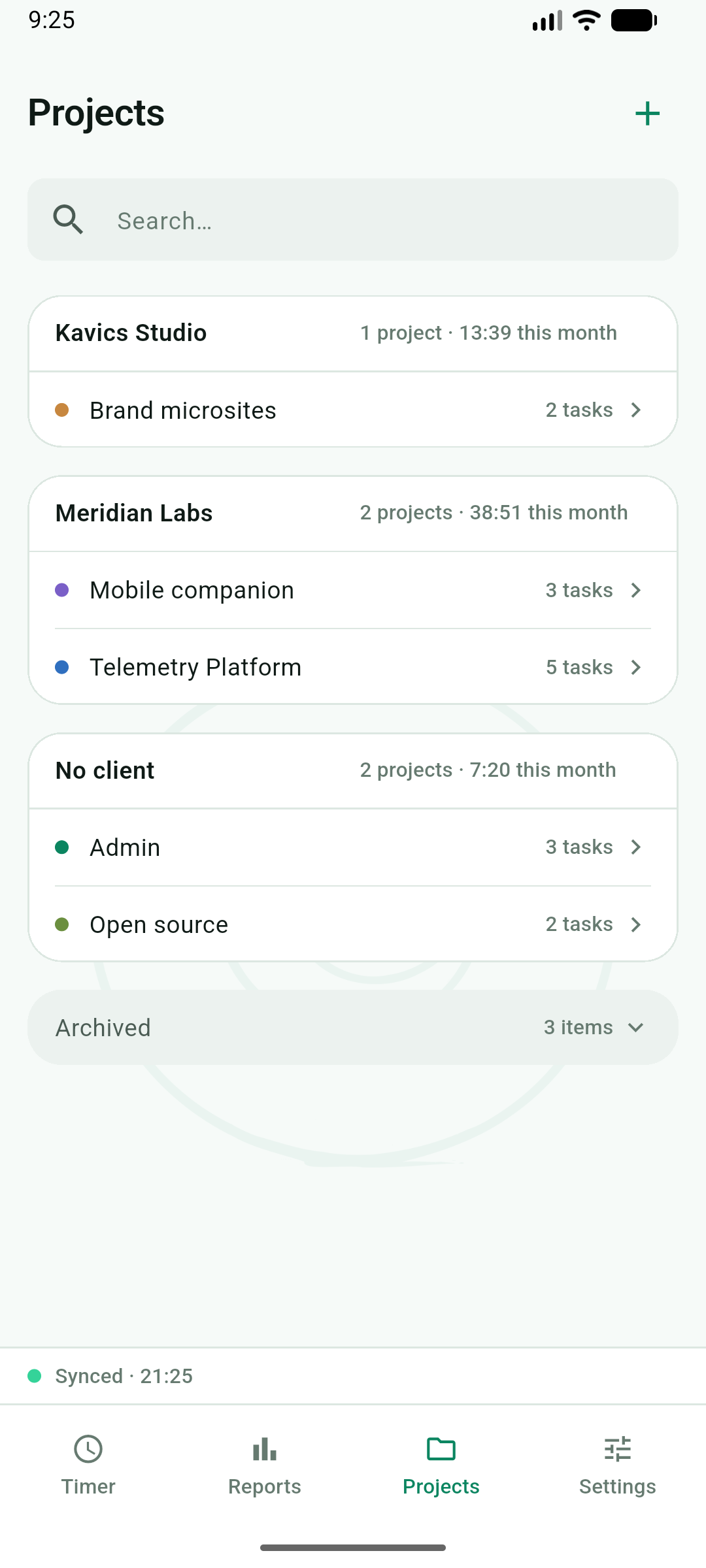
The same one file, on desktop and phone
Capabilities
The useful core of time tracking — minus the team
One person, five platforms. No accounts, no sharing — just your work and your hours.
One tap to pick up again
The main screen is the running timer plus your recent work. Every past entry has a run button that starts a new timer from it.
Clients → projects → tasks
Your time entries hang off this structure — no team, no sharing, no account.
Colours and billable flags
Every project gets its own colour, and billable work can be flagged.
Reports over any range
Day, week, month or a custom range: summary charts, per-project totals, or the raw entry list.
Five languages
English, Hungarian, German, Spanish and Italian. A sixth is one translation file, no code.
Light and dark
Follows the system, or override it per device.
The single file
Two devices edited between syncs? That's the normal case here.
Everything Cirrhy knows lives in one human-readable cirrhy.json. Sync is deliberately your choice — so the storage layer is built from the ground up to never assume it owns the file exclusively.
Merges, never overwrites
On save, Cirrhy reads what is on disk and merges your changes into it. Change is detected by content hash, not modification time.
Conflicts don't destroy anything
Record-level merge, newer wins — and the older version is demoted into that record's history, not thrown away.
Deleted stays deleted
Deletions leave tombstones, so a later merge can't resurrect what you deleted.
A timer per device
Two timers left running on two devices surface for you to reconcile — neither silently swallows the other.
Crash-safe writes
Writes go to a temp file renamed over the original, so a crash mid-save can't half-write your history. On Android, which can't rename over a file, a backup is taken before each write.
Proven by tests
The merge engine is a standalone, UI-free Dart package; the test suite enforces that merge is commutative and idempotent.
Works with the sync you already use
- Dropbox
- iCloud Drive
- Nextcloud
- Syncthing
Download
Free. Open source. Yours.
Cirrhy is under active development; the screens are from the current app. Past releases are on GitHub, and Appific publishes it on the App Store and Google Play.
-
iOS
Built and tested
-
Android
Built and tested
-
macOS
Built and tested
-
Linux
Built and tested
-
Windows
Scaffolded, not yet tested
No network code
Cirrhy uses no account, server or analytics of its own, and the app sends no data to Appific. The data file stays with you; its security and backup are handled by your own device and sync service.
Apache-2.0 licence
Cirrhy is free and open source. The full source is on GitHub, together with the releases.
A documented file format
The cirrhy.json format is specified by a JSON Schema and an agent guide, so an AI agent can import your data from another tracker or build reports from it.
Who's behind it
Built by a developer, published by Appific
Cirrhy is built by Lóránd Somogyi as an open-source project. The name is short for circadian rhythm.
Appific Kft. publishes the app to the App Store and Google Play under its own developer accounts.
Your app is ready but not in the stores yet?
We take your app from finished code to a live store listing — or from the first line, if it's still an idea.
- Apple and Google developer accounts, signing, TestFlight and internal testing.
- Store listing, privacy labels, legal pages and reviewer notes put together to the store's requirements, to reduce the risk of rejection.
- Release pipeline from CI, versioning and long-term updates.